Your Ultimate Guide to Sawgrass Sublimation Inks
If you're serious about creating vibrant, professional-quality designs on textiles, you’ve almost certainly heard of Sawgrass sublimation inks. They're a cornerstone of the custom printing world, and for good reason. The magic isn't that the ink sits on top of the fabric; instead, it’s a special dye that chemically bonds with the fibers, becoming a permanent part of the material itself.
This process is what delivers those stunning, wash-proof colors that make custom gifts and boutique merchandise pop.
Why Sawgrass Inks Are a Game Changer
When you invest in Sawgrass, you're getting more than just ink cartridges. You're getting a complete system designed from the ground up to work together. Think of it as a "closed loop" where every component speaks the same language—a massive advantage for small businesses that can't afford to waste time, money, and materials on trial and error.
This system is built on three pillars that are engineered for perfect harmony:
- Purpose-Built Printers: Machines like the Sawgrass SG500 and SG1000 aren't repurposed office printers; they were born and bred for one job—sublimation.
- Specialized Inks: The ink chemistry is finely tuned to release the most vivid, true-to-life colors when heat-pressed onto polyester-coated items.
- Powerful Software: The Sawgrass Print Manager is the unsung hero. It's the translator that ensures the colors you see on your monitor are the colors that come out of your heat press.
The Power of a Complete System
This all-in-one approach helps you dodge the headaches that often come with trying to convert a standard inkjet printer for sublimation. By staying within the Sawgrass ecosystem, you sidestep frustrating battles with color profiles, avoid potential printer damage, and get beautifully consistent results every single time. For any business where quality is the cornerstone, that reliability is everything.
At its core, the Sawgrass system is about consistency. It gives you a dependable workflow so you can spend your time on what really matters: being creative and serving your customers, not troubleshooting tech issues.
Turning Blanks into Brilliant Products
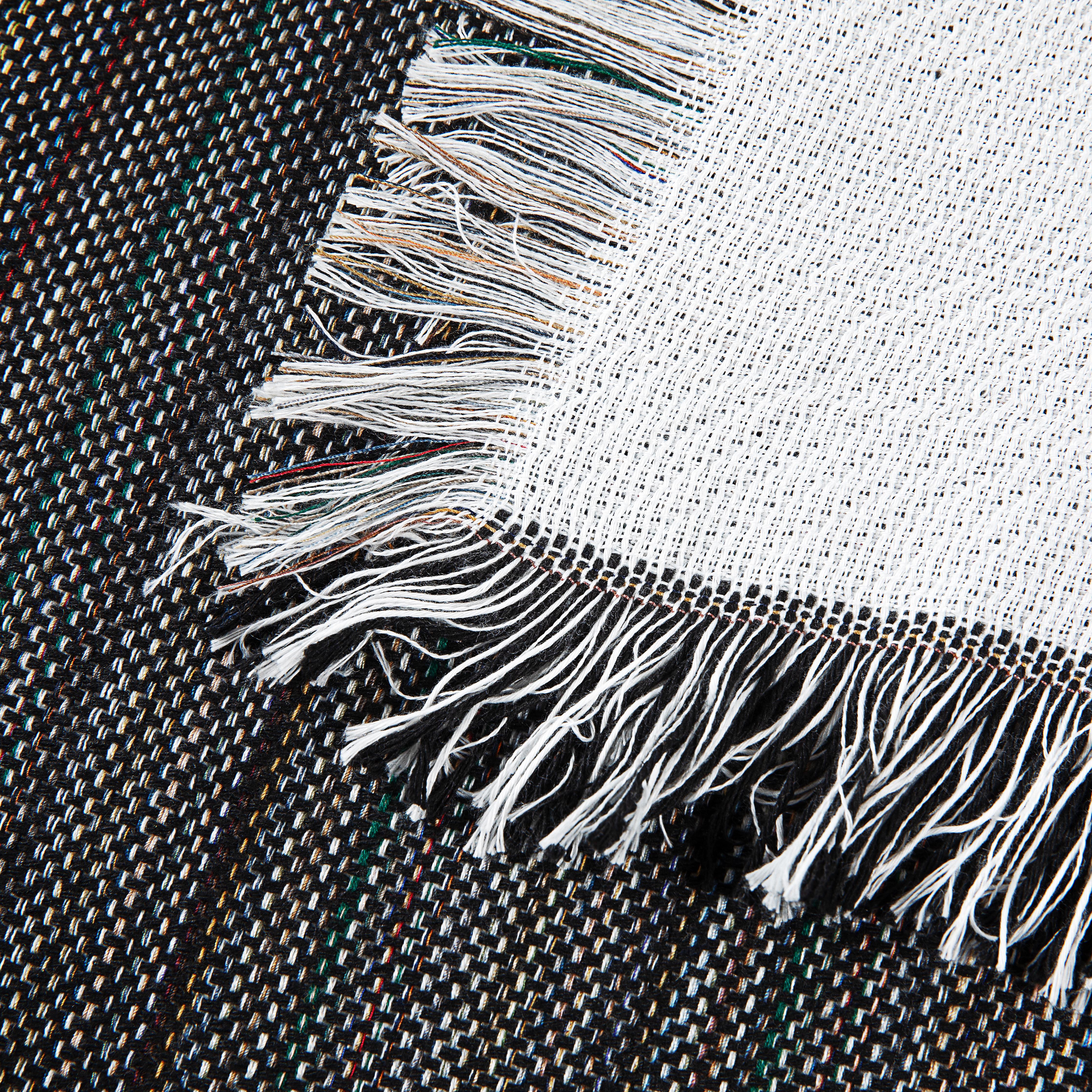
This level of dependable performance is exactly what makes Sawgrass sublimation inks the secret sauce for turning high-quality blank goods into best-selling products. When you combine these incredible inks with our curated selection of textiles—whether it’s a cozy Sherpa Sublimation Throw or an intricate Woven Tapestry—you’re creating premium items that customers will love.
Want to see how this stacks up against other methods? Check out our guide on sublimation vs. heat transfer vinyl.
The market for dye sublimation ink hit around $3.66 billion, and it's still growing fast. Sawgrass Technologies has cemented its place as a leader in this space by giving creators like you the tools to thrive. This isn't just new tech; it's a proven system that can help you unlock your design potential and build a more profitable business.
Choosing Your Perfect Sawgrass Printer and Ink Setup
Alright, let's talk about getting your Sawgrass system dialed in. Deciding on the right hardware might feel like a big commitment, but it’s actually pretty straightforward. It all comes down to what you want to create—are you thinking small custom gifts, or are you dreaming of big, beautiful designs on textiles like our premium blankets?
Sawgrass keeps things simple with two main types of ink, and it’s best to think of them as specialized tools for different kinds of jobs.
- SubliJet UHD Ink: This is the go-to, the workhorse of the Sawgrass lineup. It’s specifically formulated for hard surfaces and 100% polyester fabrics, which makes it the perfect match for our entire collection of fleece throws, sherpa blankets, and woven tapestries. If you want those jaw-droppingly vibrant, true-to-life colors on our textiles, this is the ink you need.
- EasySubli Ink: This one is more of a specialist, created in partnership with Siser. Its claim to fame is printing on EasySubli vinyl, which you can then heat-press onto tricky materials like cotton or dark-colored fabrics. It's a great problem-solver to have in your toolkit, but it isn't the first choice for printing directly onto our premium polyester textiles.
For anyone working with Spark Blank Textiles products, we can't stress this enough: we exclusively recommend SubliJet UHD. It's the only way to get the brilliant, permanent results that will make your products stand out.
Selecting the Right Sawgrass Printer
When it's time to pick a printer, your main consideration is size. How big are the products you plan to make? Sawgrass has become a favorite for small businesses stepping into the sublimation world, which is now a massive US$2.7 billion market and still growing. Their user-friendly, compact printers are a big reason why. You can dig deeper into these market trends over at Persistence Market Research.
The two models you'll see most often are the SG500 and the SG1000. The SG500 handles prints up to 8.5" x 14", which is perfect for smaller items like our hand towels, custom pillows, or for placing smaller designs onto larger blankets. The SG1000, on the other hand, can print up to 11" x 17" (or even 13" x 19" with an optional bypass tray). This larger format is essential if you want to create those stunning, full-bleed designs on our picnic blankets or large tapestries.
This flowchart breaks down the decision-making process in a simple way.

The bottom line? When your business is built on creating premium textiles, a dedicated, professional-grade system like Sawgrass is designed to deliver the quality and consistency your customers deserve.
Here's a quick reference guide to help you compare the most popular Sawgrass setups at a glance.
Sawgrass Printer and Ink Compatibility Guide
| Feature | Sawgrass SG500 | Sawgrass SG1000 | SubliJet UHD Ink | EasySubli Ink |
|---|---|---|---|---|
| Max Print Size | 8.5" x 14" | 11" x 17" (13" x 19" with bypass) | N/A | N/A |
| Best For | Mugs, phone cases, small apparel, hand towels | Full-bleed textiles, blankets, large signs | All polyester fabrics & polymer-coated hard goods | Cotton/blends & dark fabrics (via vinyl) |
| Primary Use Case | Small-to-medium item production | Medium-to-large item production & full-coverage | Direct sublimation on polyester & hard surfaces | Printing on heat transfer vinyl |
| Spark Blank Textiles | Good for small designs & towels | Excellent for full-blanket coverage | Highly Recommended for all our products | Not recommended for direct-to-fabric use |
Choosing a printer isn't just about what you need today; it's about planning for where you want to go. If you see yourself moving from small gift items to larger, more profitable products like full-size blankets, investing in the SG1000 from the start can save you the headache and cost of upgrading down the road.
Ultimately, both printers deliver the same exceptional quality with Sawgrass sublimation inks. Your decision really boils down to your current product line and your vision for the future. For more practical advice on building out your complete workstation, take a look at our guide on putting together dye sublimation kits for your business.
Nailing Perfect Color with Sawgrass Print Manager
Getting your colors right is what separates a hobbyist print from a professional, high-quality product people will actually buy. This is exactly where the Sawgrass Print Manager (SPM) becomes your secret weapon. It’s not just a simple print driver; think of it more like a dedicated translator, ensuring the brilliant colors you see on your monitor are the exact same colors that end up on your finished blanket.

One of the biggest (and most expensive) mistakes beginners make is trying to print directly from their design software without using SPM. The software is incredibly smart—it manages how the Sawgrass sublimation inks hit the paper, intentionally correcting colors so they look perfect after being heat-pressed, not just when they come out of the printer.
Why You Can’t Just Skip the Print Manager
The real magic of sublimation ink happens when you apply heat. The solid ink turns into a gas and bonds with the polyester fibers, but this process also changes how the color looks. This is where SPM's built-in ICC profiles come in. These profiles are basically detailed recipe books that tell the printer exactly how much ink to lay down for a specific material to get the final color just right.
It’s the key to making flawless products that keep customers coming back. SPM is the bridge between your digital idea and the physical item in your hand.
Sawgrass Print Manager isn't an optional add-on; it's the heart of the Sawgrass system. It's designed to make the printer, ink, and your blank work together in perfect harmony for predictable, vibrant, and accurate color, every single time.
The Right Settings for Spark Blank Textiles
Getting professional-grade results on our textiles doesn't require a degree in color science. When you dial in the right settings within SPM, the process is surprisingly simple.
When you open the Sawgrass Print Manager to print your design, it will ask you what you’re printing on. For our entire line of premium blanks, just follow these quick steps:
- Substrate Selection: Always pick ‘Polyester Fabric’ from the list. This profile is perfectly calibrated for the 100% polyester face of our fleece, sherpa, and mink touch blankets.
- Paper Type: Choose the brand and type of sublimation paper you're using.
- Color Mode: For photos and colorful, complex artwork, go with the ‘Vibrant’ setting. If you're printing a logo or design that needs spot-on brand colors, switch to ‘Photographic’.
By selecting these settings, you’re giving the software all the information it needs. It then adjusts the Sawgrass sublimation inks to produce stunning, true-to-life colors on every blanket, towel, and tapestry you make. It's a simple step that prevents you from wasting expensive blanks and ensures every single product you sell looks absolutely fantastic.
Nailing Your Heat Press Settings for Our Textiles
This is where the magic really happens. You can have the most vibrant design and a perfectly calibrated printer, but if your heat press settings are off, all that hard work goes to waste. We've spent countless hours in our own shop pressing our blanks with Sawgrass sublimation inks, and we've figured out what works so you can skip the trial and error.

Think of heat pressing like baking a perfect cake. Time, temperature, and pressure are your essential ingredients, and they need to be adjusted for what you're "baking." A thick, plush Sherpa Sublimation Throw, for instance, needs a bit more time for the heat to fully penetrate its deep fibers compared to a thinner Fleece Throw. Getting this balance right is what separates a good product from a great one.
Pro Tips We Swear By
Before we get into the numbers, let's cover two golden rules that we follow for every single press. No exceptions. These simple habits will save you from the most common frustrations and ruined blanks.
- Always Pre-Press Your Blank: Textiles, especially plush ones, quietly absorb moisture from the air. Pressing your blank for 5-10 seconds before you lay down the transfer paper gets rid of that moisture. This prevents steam from causing blurry spots or color blowouts in your final design. It’s a game-changer.
- Use Protective Paper Every Time: This is non-negotiable. Place a sheet of butcher paper (or blowout paper) inside the blank (if it's a two-sided item) and another on top of your transfer. This simple step stops ink from bleeding through to the back of your blanket or, even worse, permanently staining your heat press platen.
Getting your heat press settings right isn't about a rigid formula; it’s about understanding the relationship between the fabric and the heat. The goal is simple: give the ink enough heat and time to turn into a gas and permanently bond with the polyester fibers, all without scorching the material itself.
Our Go-To Starting Points
The settings below are our tested and proven starting points for getting those head-turning, vibrant results you’re after. Keep in mind that every heat press is a little different and can have slight temperature variations, so it's a great idea to keep a small notebook handy to log the settings that work perfectly for your machine.
If you want to geek out on the science behind it all, check out our guide on the fundamentals of sublimation heat transfer.
Recommended Heat Press Settings for Spark Blank Textiles
Here are our starting point recommendations for achieving vibrant, lasting results on our premium sublimation blanks using Sawgrass inks. Think of these as your recipe's starting point—adjust slightly as needed for your specific setup.
| Product | Temperature | Time | Pressure | Pro Tip |
|---|---|---|---|---|
| Fleece Throw (300 GSM) | 385-400°F (195-205°C) | 55-65 seconds | Medium | Pre-press for 5 seconds to get a perfectly flat, dry surface for crisp, sharp lines. |
| Sherpa Throw (430 GSM) | 385-400°F (195-205°C) | 60-70 seconds | Medium-Light | Go a bit lighter on the pressure here. This keeps the sherpa side feeling wonderfully plush and doesn't flatten it out. |
| Mink Touch Blanket | 385-400°F (195-205°C) | 60-70 seconds | Medium | These dense fibers soak up color beautifully. Just make sure you have full, even contact across the entire heat platen. |
| Woven Tapestry | 385-400°F (195-205°C) | 50-60 seconds | Medium | The woven texture is pretty forgiving, but consistent, even pressure is the key to avoiding light or faded spots. |
| Beach & Golf Towels | 385-400°F (195-205°C) | 55-65 seconds | Medium | Make sure you're pressing on the smooth polyester side. Lighter pressure helps preserve the soft terry loop texture on the back. |
Remember, a little testing goes a long way. Once you have your specific settings dialed in, you'll be able to produce consistently amazing results every single time.
Simple Maintenance for a Healthy Sawgrass Printer
Your Sawgrass printer is the heart of your creative business, and a few simple habits can keep it running beautifully for years. The single most important rule of Sawgrass ownership is a bit counterintuitive: leave it on.
Unlike a regular office printer you'd shut down every night, your sublimation printer needs to stay powered up. This allows it to run its automatic maintenance cycles, which are tiny, automated cleanings that keep the print heads clear. Think of it as a small insurance policy against the dreaded clogs that can stop your production cold.
Creating the Right Environment
Where you keep your printer matters almost as much as how you use it. A stable environment is key to getting the ink to flow correctly and ensuring your machine runs without a hitch.
- Steady Temperature and Humidity: Find a spot for your printer that doesn't have wild temperature swings or high humidity. Consistency is king, as big changes can mess with ink viscosity and even your paper quality.
- A Clean Workspace: Dust is the enemy. Keeping the area around your Sawgrass machine clean prevents tiny particles from sneaking inside and causing problems with the sensitive print heads or rollers.
Paying a little attention to the printer's surroundings can save you a ton of frustration and prevent potentially expensive repairs down the road.
The best maintenance for a Sawgrass printer? Just use it. Printing a small, colorful design a few times a week is the absolute best way to keep the ink flowing and stop any gunk from building up in the first place.
Smart Ink and Paper Storage
Don't forget about your supplies! How you store your ink and paper has a direct impact on the quality of your final product.
Always keep your sealed ink cartridges stored upright in a cool, dark place. This simple step prevents the internal parts from drying out and ensures the ink is ready to go when you pop it in. For your sublimation paper, keep it in its original packaging or a sealed container to protect it from moisture—the number one cause of splotchy, uneven transfers. A little care here ensures you're always ready for that next big order.
Troubleshooting Common Sawgrass Ink Problems
Let's be realistic—even the most reliable equipment has its off days. It's incredibly frustrating when your prints suddenly aren't coming out right, especially with a stack of orders waiting. The good news is that most issues with Sawgrass sublimation inks are pretty common and often have a simple fix. We'll walk through the usual suspects so you can get back to business.
One of the first challenges you'll likely meet is banding—those annoying faint lines running horizontally across your print. Before you start to worry, know that this is almost always just a clogged print head nozzle.
The fix is usually painless. Just open up the Sawgrass Print Manager and run a nozzle check. It prints a quick diagnostic pattern that instantly shows you which, if any, nozzles are blocked. From there, running a head cleaning cycle or two typically gets everything flowing perfectly again.
Why Do My Prints Look So Dull and Faded?
If you're new to sublimation, this one can really throw you for a loop. You print a gorgeous, vibrant design, but what comes out of the printer looks dull, faded, or just... off. Your vibrant red might look like a murky brown.
Relax, this is completely normal! Sublimation ink is a bit like a magic trick; its true, brilliant colors only reveal themselves after they've been activated by the heat and pressure of your press.
Key Takeaway: The print on your sublimation paper is never a true representation of the final product. Always trust the process and press a test swatch before you start tweaking your design files or colors. This one tip will save you hours of frustration.
Quick Fixes for Common Issues
Most day-to-day problems can be sorted out in minutes. Here’s a quick rundown of what to look for and what to do.
-
Problem: My colors still look faded after pressing.
- Solution: This almost always points to your heat press settings. Either the temperature is too low or you aren't pressing it for long enough. Check our recommended settings and try bumping up the time in five-second intervals until you see those colors pop.
-
Problem: My final print has a yellow or brown tint.
- Solution: You've got a classic case of "scorching." The ink and fabric have been overcooked by too much heat or time. Try dialing back your temperature by 5-10 degrees or shortening the press time.
Mastering these simple troubleshooting steps is more important than ever. The dye sublimation market has exploded, hitting USD 16.85 billion and is projected to reach USD 28.05 billion by 2031. That kind of growth means efficiency and quality are everything. By learning how to solve these minor hiccups quickly, you can avoid wasting expensive blanks and capitalize on the booming demand. You can dig deeper into these industry trends with insights from the market intelligence experts at Mordor Intelligence.
Got Questions About Sawgrass Inks? We've Got Answers.
Let's cut right to the chase. Here are some quick, no-fluff answers to the questions we hear most often from fellow business owners using Sawgrass sublimation inks. Our goal is to help you print with confidence and sidestep those common, costly mistakes.
Can I Use Third-Party Inks in My Sawgrass Printer?
We get why people ask this—trying to save a few dollars is tempting. But, frankly, we can't recommend it. Think of a Sawgrass printer as a complete, closed system. The printer, the ink, and the software were all built to communicate and work together seamlessly.
The minute you introduce off-brand ink, you void your warranty. Even worse, you lose access to the Sawgrass Print Manager, which is the brains behind the operation doing all the heavy lifting on color correction. You'll almost certainly end up with inconsistent colors, a pile of wasted blanks, and a massive headache trying to figure out why your print doesn't match your screen. Stick with the genuine inks; it protects your investment and your sanity.
How Long Do Sawgrass Ink Cartridges Actually Last?
This is the classic "how long is a piece of string?" question. It really boils down to what you're printing. The lifespan of a cartridge depends entirely on the size of your designs, how much ink they require (a full-color photo vs. simple text), and how often you're running the printer.
One thing to keep in mind is that your printer sips a tiny bit of ink for automatic maintenance cycles. This happens even when you're not actively printing, and it's essential for keeping the print heads clear. There's no magic number of prints per cartridge, but a good rule of thumb is to print something every few days to keep the ink flowing and the system happy.
Pro Tip: Whatever you do, keep your printer plugged in and powered on. Those little automatic cleaning cycles are your best defense against clogs. They ensure your printer is ready to go when you are, saving you from the frustration of downtime and potential repair bills.
Do I Really Need Special Paper for Sawgrass Sublimation Inks?
Yes, absolutely. This is one area where there are no shortcuts. High-quality sublimation paper is a must-have for getting professional results. This paper isn't like your typical office paper; it has a special coating designed to hold the ink right on the surface.
When you apply heat, that coating releases the ink as a gas, which then bonds with your blank. If you try to use regular copy paper, it just soaks up the ink like a sponge. The result? A blurry, faded, and completely unusable transfer. To get those jaw-droppingly vibrant colors on our premium textiles, always use a quality sublimation paper that's known for high ink release.
Ready to turn those brilliant ideas into stunning, professional-quality products? The journey from a simple blank to a finished masterpiece starts with the right materials. Take a look at our curated selection of premium sublimation-ready blankets and towels at Spark Blank Textiles and see for yourself what a difference quality makes. Shop our full collection today!